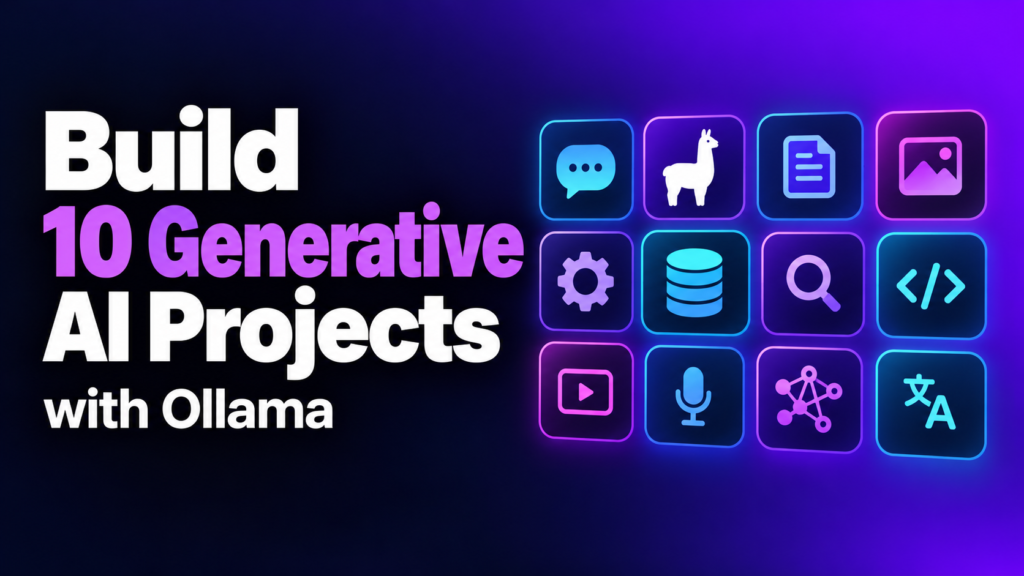
Build ten generative AI projects with Ollama

Ten local AI builds in under three hours — from a first Ollama chatbot to a RAG pipeline with Qwen and FAISS.

$9.99one-time
  • Instant download after purchase
  • Lifetime access — download anytime
  • PDF and video files included

Secure checkout · 30-day refund

https://youtu.be/CIuRqrn10nQ
BuildTier
Ollama · Qwen · FAISSTools covered
39Lessons
2.9Hours of video
Certificate of completionUpdated Sep 2026

What you'll be able to do

  • Build ten real-world generative AI projects step by step, from environment setup to output.
  • Load and run open-source models locally with Ollama, including Qwen.
  • Write prompts that guide a local model toward a specific output.
  • Build a RAG pipeline: load a PDF, split it, embed it, and search it with FAISS.
  • Extract a YouTube video ID and its transcript, then summarize it with a local model.
  • Put together a portfolio of ten working AI builds, including chatbots and content generators.

What is in it

11 parts · 39 lessons · 2h 51m of video
0101 — Introduction1 lesson · 1m
  • Introduction to generative AI Free preview1:53
0202 — Project 1: local model basics3 lessons · 13m
  • Setting up environment and downloading the model6:02
  • Loading the model and prompt engineering3:13
  • Generating output and wrap-up4:17
0303 — Project 2: second local model build3 lessons · 18m
  • Setting up environment and installing the model6:13
  • Loading the model and prompt engineering5:48
  • Generating output and wrap-up6:20
0404 — Project 3: third local model build3 lessons · 14m
  • Setting up environment and installing the model5:34
  • Loading the model and prompt engineering4:20
  • Generating output and wrap-up4:29
0505 — Project 4: fourth local model build3 lessons · 14m
  • Setting up environment and installing the model2:36
  • Loading the model and prompt engineering3:02
  • Generating output and wrap-up8:26
0606 — Project 5: fifth local model build3 lessons · 13m
  • Setting up environment and installing the model6:02
  • Loading the model and prompt engineering3:28
  • Generating output and wrap-up4:06
0707 — Project 6: sixth local model build4 lessons · 18m
  • Setting up environment and installing the model6:13
  • Loading the model2:32
  • Prompt engineering5:25
  • Generating output and wrap-up4:10
0808 — Project 7: youtube transcript summarizer5 lessons · 18m
  • Setting up environment and installing the model6:15
  • Extracting the video ID2:36
  • Getting the transcript from the video ID2:35
  • Loading the model and prompt engineering3:39
  • Generating output and wrap-up3:21
0909 — Project 8: eighth local model build4 lessons · 16m
  • Setting up environment and installing the model5:34
  • Loading the model3:39
  • Prompt engineering3:06
  • Generating output and wrap-up4:18
1010 — Project 9: complete build walkthrough1 lesson · 7m
  • Complete project, code from start to finish7:19
1111 — Project 10: RAG pipeline with Qwen and FAISS9 lessons · 34m
  • Setting up environment and installing the model7:51
  • Loading the PDF2:19
  • Splitting the text2:12
  • Converting text to embeddings2:36
  • Finishing the embeddings2:35
  • Creating the vector database3:48
  • Searching with the FAISS library3:01
  • Writing the prompt3:23
  • Generating output and wrap-up7:11

Description

You build ten generative AI projects with Ollama, one at a time — set up, load a model, write the prompt, get the output. The run ends with a full RAG pipeline: a PDF turned into embeddings, stored in FAISS, and searched with Qwen. The catch is that these are day-one builds, not hardened applications.

How it works

  • Each project repeats the same loop: set up the environment, install and load the model, write and test the prompt, generate the output
  • Models run locally through Ollama, including Qwen for the final project
  • The last project builds a retrieval pipeline: load a PDF, split the text, embed it, store it in a FAISS vector database, then search and prompt against it
  • One project extracts a YouTube video ID, pulls its transcript, and summarizes it with a local model

What is in it

  • 39 lectures, about 2.9 hours of video, across ten projects plus an introduction
  • Projects include local chatbots, content generators, a transcript summarizer, and a RAG search tool
  • Tools: Ollama, Qwen, FAISS

The catch

There’s no cloud model here — everything runs locally through Ollama, so you’ll need a machine that can handle it, and the source material doesn’t say what that machine needs to be. The code is built to work, not to survive production traffic or bad input.

Who this course is for

  • You're new to generative AI and want a hands-on start rather than more theory.
  • You want ten portfolio projects built with local models, prompt engineering, and Ollama.
  • You want to see a RAG pipeline built end to end, from a PDF to a FAISS search.

Before you start

  • Willingness to learn and build — no other prerequisite is listed.
  • A machine able to run local models through Ollama (specs not specified in the source).

Skip it if

  • You want the theory behind transformers or LLMs — this is project execution, not the underlying math.
  • You want production-grade, error-handled code — these are day-one builds, not hardened apps.
  • You're looking for cloud-model workflows like GPT or Claude — everything here runs locally through Ollama.

Questions

Do I need a GPU to run the models locally?

No GPU requirement is listed. Check Ollama's hardware guidance for the models used here, including Qwen, before you start.

Are the numbered projects and the RAG build really ten projects?

Yes. Eight numbered generative AI projects, a ninth delivered as one complete-code lecture, and a tenth built as a RAG pipeline with Qwen and FAISS.

Do the projects need any paid API keys?

No API key is mentioned. Every project runs on local, open-source models through Ollama.

Is this a general Python or machine-learning course?

No. It assumes you can follow code along and focuses on running, prompting, and chaining existing models, not writing ML from scratch.

How do I watch it?

Stream it here or download the videos and files. Both are yours for as long as the site exists.

Which tool versions are covered?

The version on this page. When a tool changes enough to matter, the lesson is re-recorded and you get the update free.

Is it the right tier for me?

Learn if you are new. Use if you want results from existing tools. Build if you want to make your own. Earn if you want to charge for it.

Are the tool links affiliate links?

Unaffiliated unless marked. If a price changed since filming, the pinned note says so.

Refunds?

30 days, no questions. Email us.

Start the first lesson

Lifetime access · Downloadable · 30-day refund